Integrations
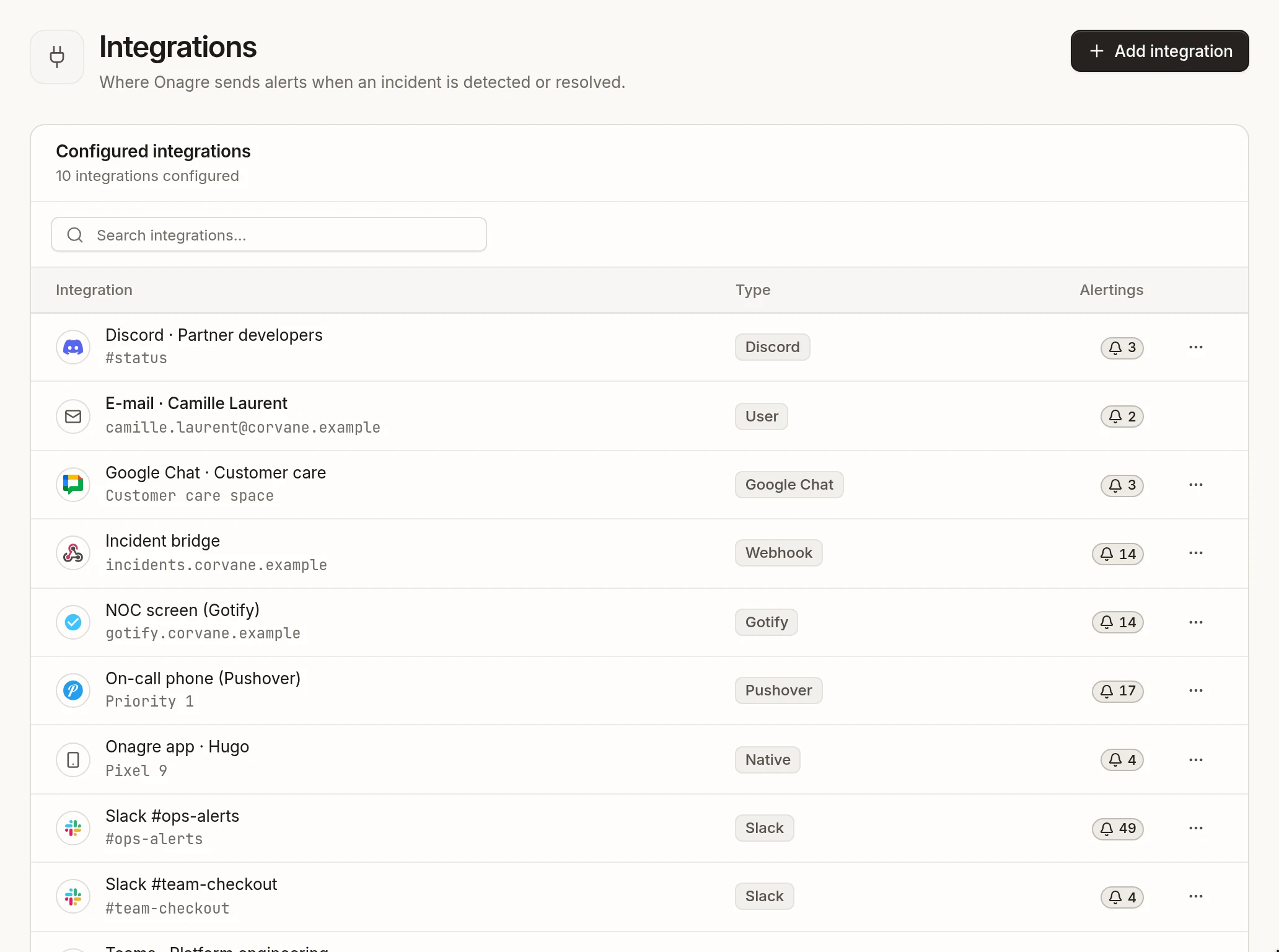
An integration is a channel through which Onagre notifies your team: a Slack or Teams channel, a webhook, a phone. Integrations are created once in Configuration → Integrations, then linked to the sensors they should hear about — see Alerting and notifications.
Available integrations#
| Integration | What you need | Plan |
|---|---|---|
| Slack | An incoming webhook URL | all |
| Discord | A channel webhook URL | all |
| Microsoft Teams | A Teams webhook URL | paid |
| Google Chat | A space webhook URL | paid |
| Webhook | Any HTTPS endpoint of yours | paid |
| Pushover | A Pushover user key and application token | paid |
| Gotify | A Gotify server and application token | paid |
| Mobile app | The Onagre app on your phone | all |
| Nothing: each member has one automatically | all |
Add an integration#
- Open Integrations and click Add integration.
- Pick a channel in the catalog.
- Give it a Name that says where messages go (
Slack #ops-alerts,On-call phone), and fill in the channel's fields. - Save, then add it to the alerting of your sensors.
The list shows each integration with its type and the number of sensors that alert it. There is no test message: to check a new integration, add it to a sensor and look at the Notifications card of the next incident, or briefly break a test sensor.
Who can manage integrations#
Creating integrations and linking them to sensors requires the User role. An integration can be edited or deleted by the member who created it, or by an Admin. E-mail and mobile integrations are created automatically and cannot be edited.