Maintenance windows
A maintenance window pauses checks during planned work — a server update, a database migration, a deployment — so that the expected interruption does not open incidents or wake anyone up. Manage them from Monitoring → Maintenances.
What happens during a maintenance#
While a window is In progress:
- the sensors it covers are not checked at all;
- so no incident opens and no notification is sent for them;
- they appear as in maintenance in the resources list.
When the window ends — at its end time or with Finish manually — checks resume on their own.
Two cases to keep in mind:
- An incident already open when the window starts stays open during the window, since no check can resolve it; it resolves at the first successful check after the window.
- The internal heartbeat of private agents is not paused: an agent stopped during the maintenance is still reported as disconnected.
Schedule a maintenance#
- Click Schedule a maintenance.
- Set the Start date & time and End date & time, in your organization's time zone.
- Give it a Name and Notes describing the work — they appear in the window's history.
- Choose the Scope:
- All monitored resources — every sensor of your organization;
- All resources linked to the selected agents — only the sensors run by the private agents you pick, for work on one site or one network.
- Save.
You can also start from an agent's page with Schedule maintenance.
Lifecycle#
| State | Meaning | Actions |
|---|---|---|
| Scheduled | Planned, not started. | Delete to cancel it. |
| In progress | Checks are paused. | Finish manually to resume monitoring now. |
| Ended | Monitoring has resumed. | — |
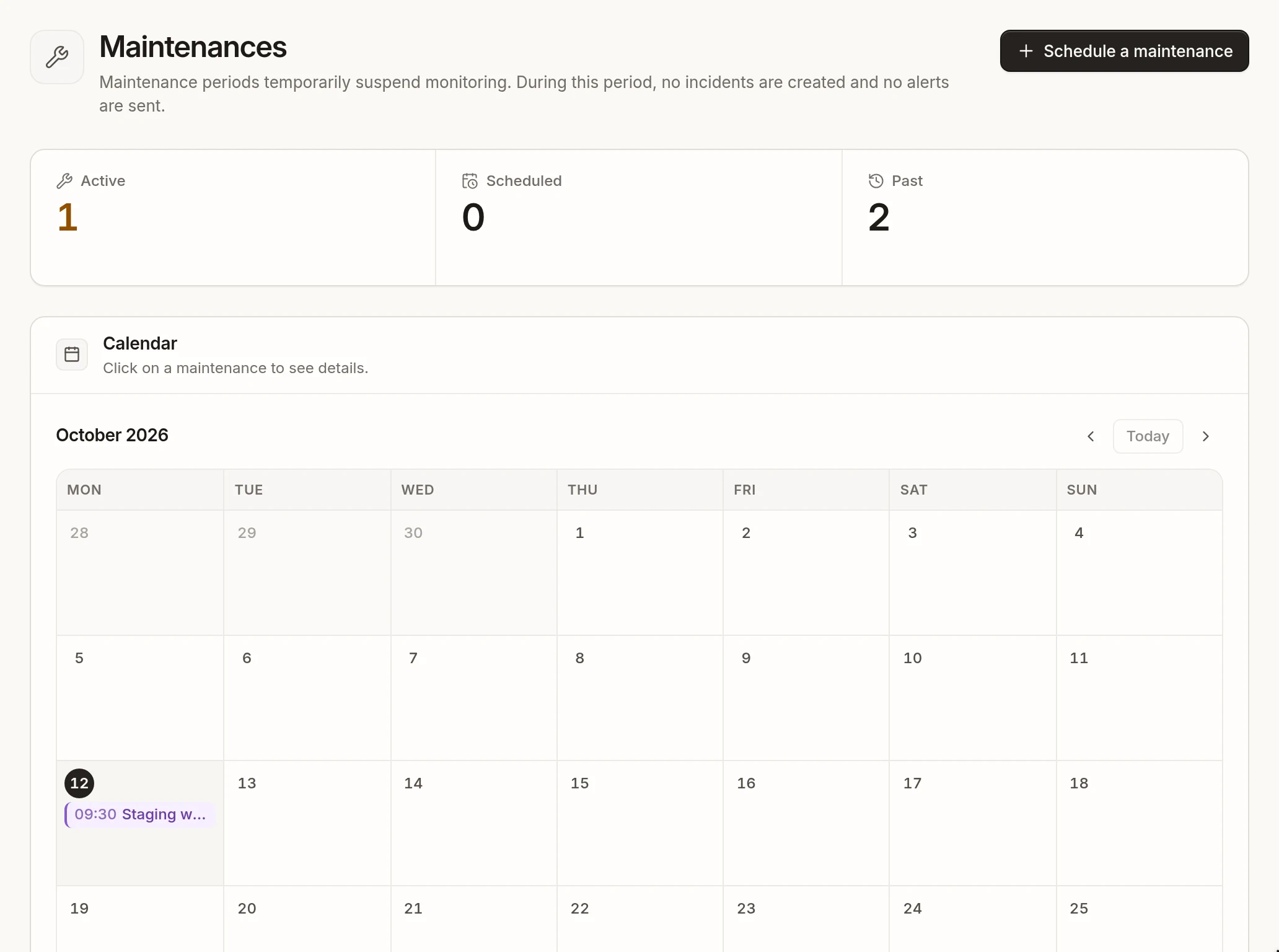
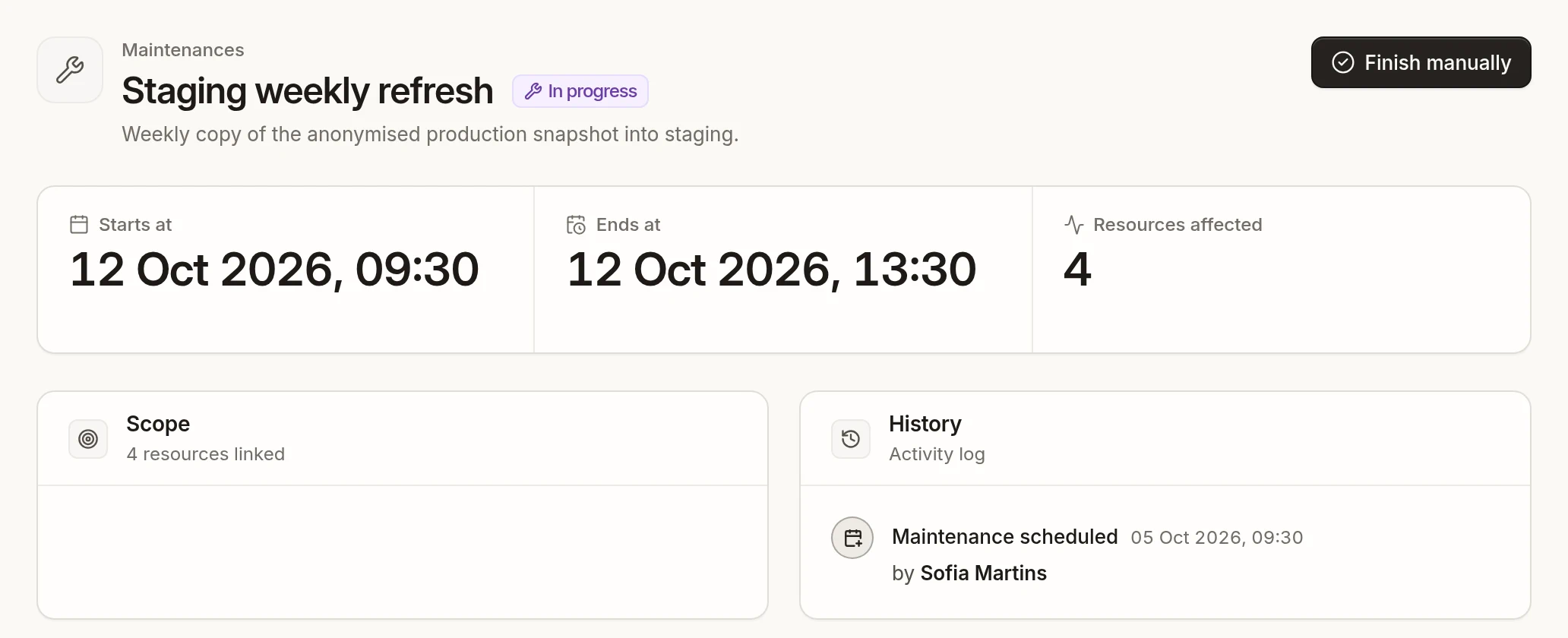
The page counts Active, Scheduled and Past windows and shows them on a monthly calendar. Each window's page gives its dates, the number of resources affected, its scope and its history (scheduled, updated, finished manually, deleted, with who and when).
Scheduling, deleting and finishing maintenances require the User role.